Change Password
If you want to change a password of your Sparrow SecureHub account, check the following steps.
-
Click on your username in the top right corner
-
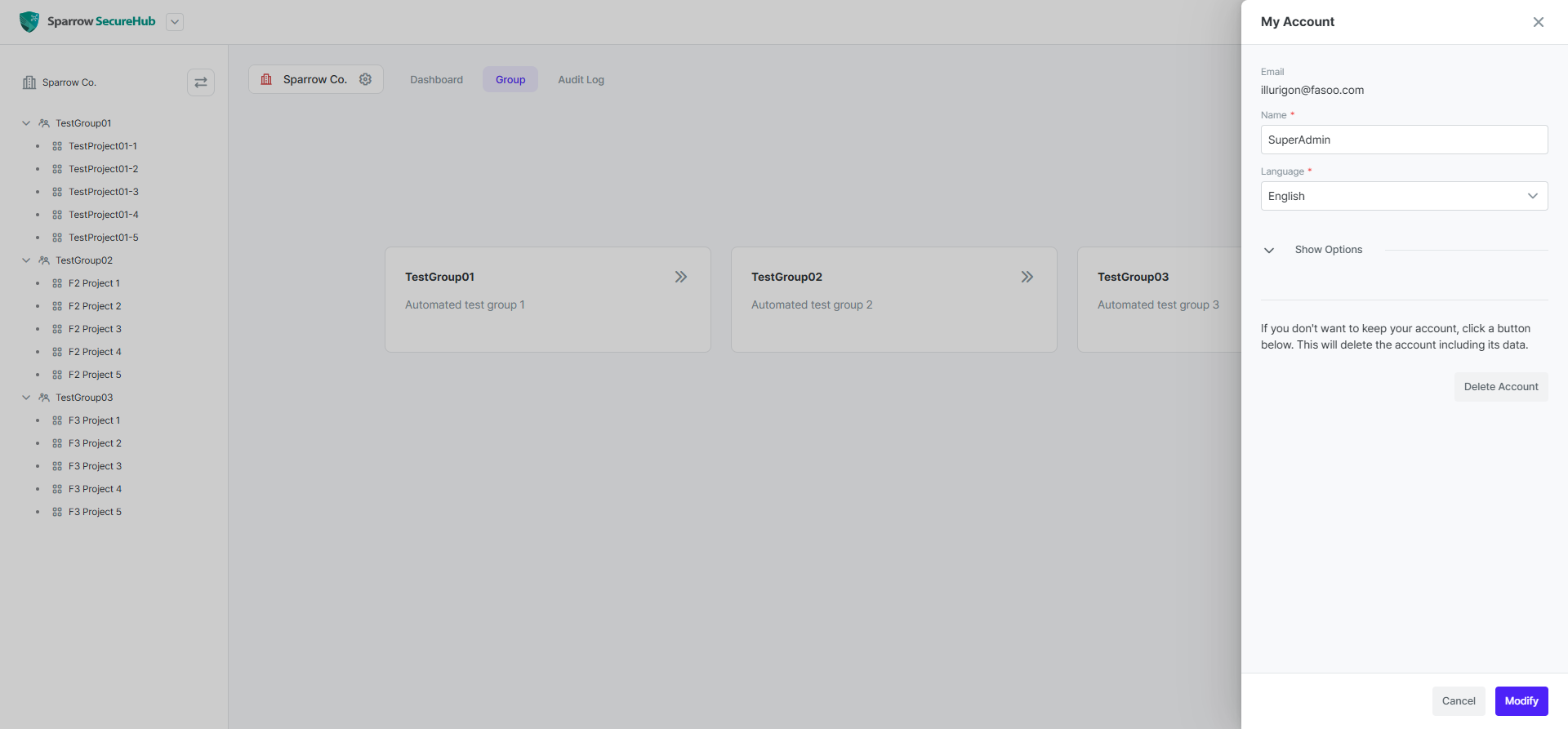
Select My Account.
-
Click on Show Options.
-
Enter your current Password, new Password and Confirm Password.
-
Click the Modify button at the bottom of the panel.